> ## Documentation Index
> Fetch the complete documentation index at: https://docs.bentowise.com/llms.txt
> Use this file to discover all available pages before exploring further.
# Blocks
A Block is the smallest content unit in Bentowise.
Most of the content you see and work with on a Board is represented as a Block.
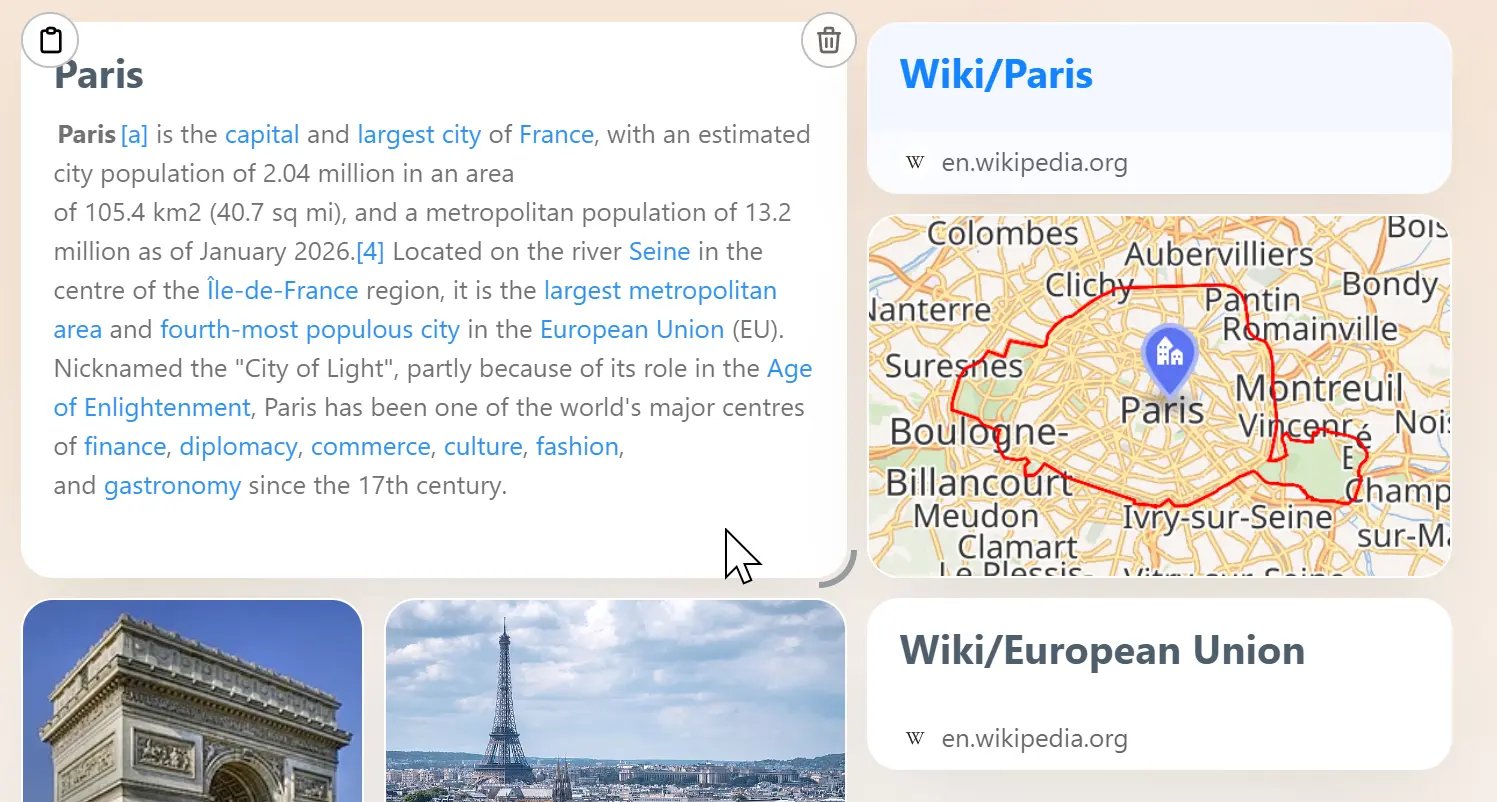 Blocks can take different forms, including:
* Notes
* Images
* Links
* File attachments
* Attachment collections
* Shortcuts
* Other content types
Different Block types are designed for different kinds of information, but they all live inside the Board's bento grid.
## Arrange Information Visually
Blocks are more than content containers.
Depending on their importance and relationship to other information, you can:
* resize them
* reposition them
* use color to distinguish them
* place them inside different Sections
* arrange them side by side or vertically
The same set of information can take on a very different meaning depending on how it is arranged.
Bentowise is not designed as a completely freeform infinite canvas. Blocks stay within a **structured bento grid**, while still giving you enough flexibility to combine and rearrange information.
**Blocks are the units of information. The bento layout makes the relationships between them visible.**
Blocks can take different forms, including:
* Notes
* Images
* Links
* File attachments
* Attachment collections
* Shortcuts
* Other content types
Different Block types are designed for different kinds of information, but they all live inside the Board's bento grid.
## Arrange Information Visually
Blocks are more than content containers.
Depending on their importance and relationship to other information, you can:
* resize them
* reposition them
* use color to distinguish them
* place them inside different Sections
* arrange them side by side or vertically
The same set of information can take on a very different meaning depending on how it is arranged.
Bentowise is not designed as a completely freeform infinite canvas. Blocks stay within a **structured bento grid**, while still giving you enough flexibility to combine and rearrange information.
**Blocks are the units of information. The bento layout makes the relationships between them visible.**