Once content blocks have been added to a Board, you can refine them through position, size, and visual styling. Bentowise uses a structured bento grid. Blocks can be moved and resized within the grid, giving you enough flexibility to arrange information freely without losing an overall sense of structure.

Use Size to Show Importance

Not every Block needs to be the same size. More important content can take up more space, such as:
  • Key conclusions
  • Important charts
  • Significant images
  • Questions that currently require the most attention
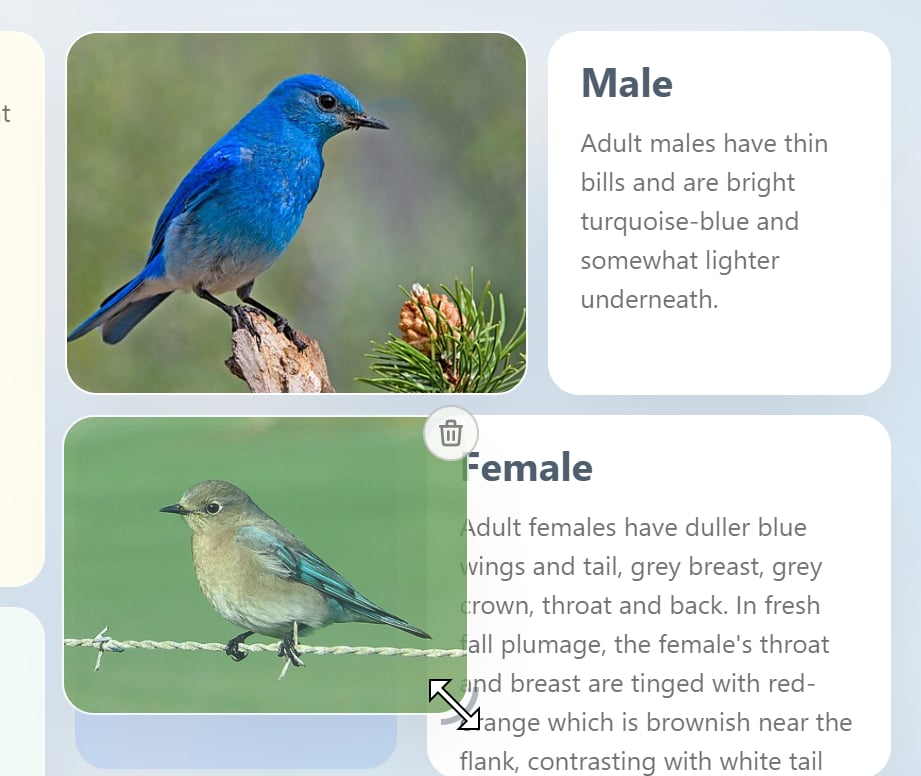
Supporting material can remain smaller. In this way, size itself becomes part of the visual hierarchy.
Image

Use Position to Show Relationships

Position can also communicate how information relates. For example, you can:
  • Place two options side by side for comparison
  • Keep evidence close to the judgment it supports
  • Arrange events in chronological order
  • Group multiple sources around a central question
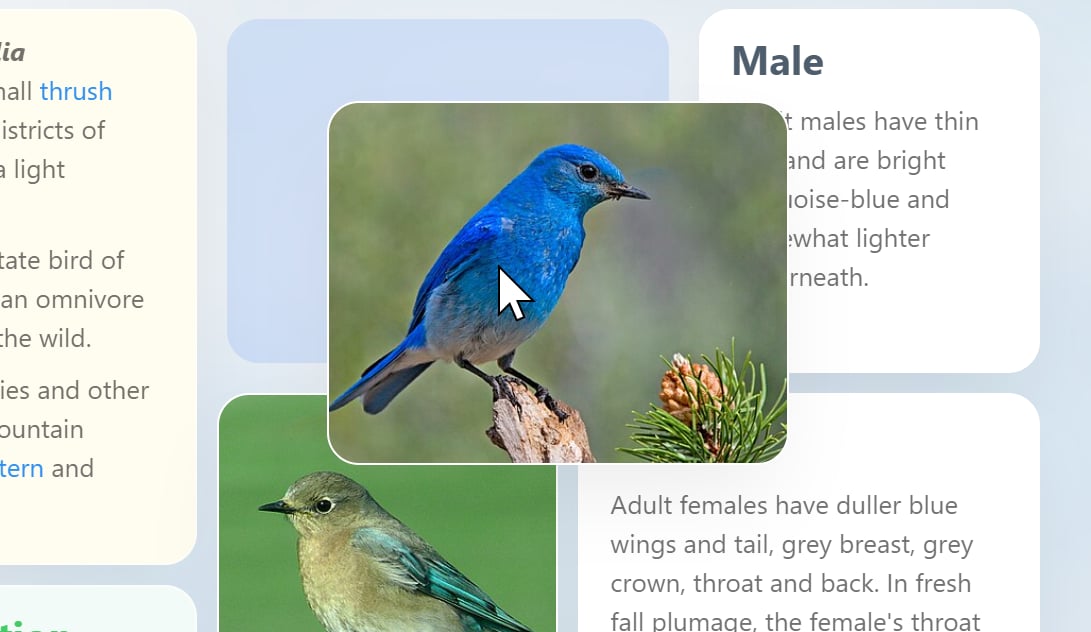
You do not always need connectors, arrows, or complex diagrams to make relationships clear. We believe some freeform canvas tools can become visually complex very quickly, adding cognitive overhead and making information harder to scan and understand. This is one of the reasons Bentowise favors a bento-style layout. Often, simply placing related information close together is enough to make the relationship clear.
Image

Use Color and Covers with Purpose

Blocks can also be visually distinguished with colors and cover images. These elements work best when they communicate meaning rather than serve as decoration alone. For example:
  • Use one color to identify risks
  • Use another to highlight conclusions
  • Use a cover image to emphasize an important topic or stage
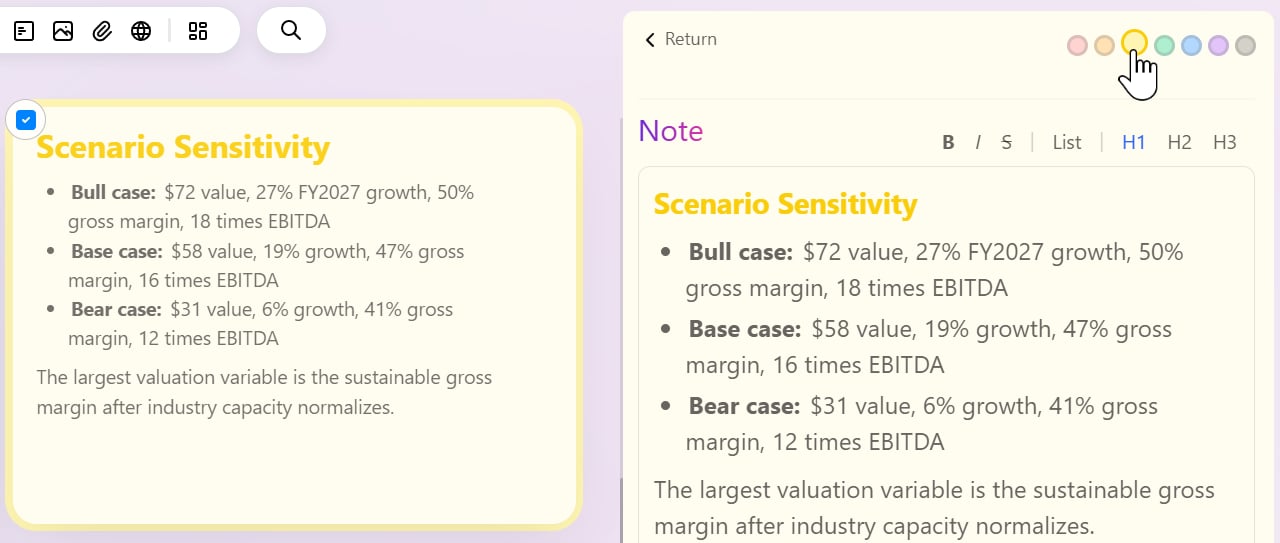
A good Board does not need every card to look different. A moderate level of visual consistency is usually easier to read than excessive styling.
Image