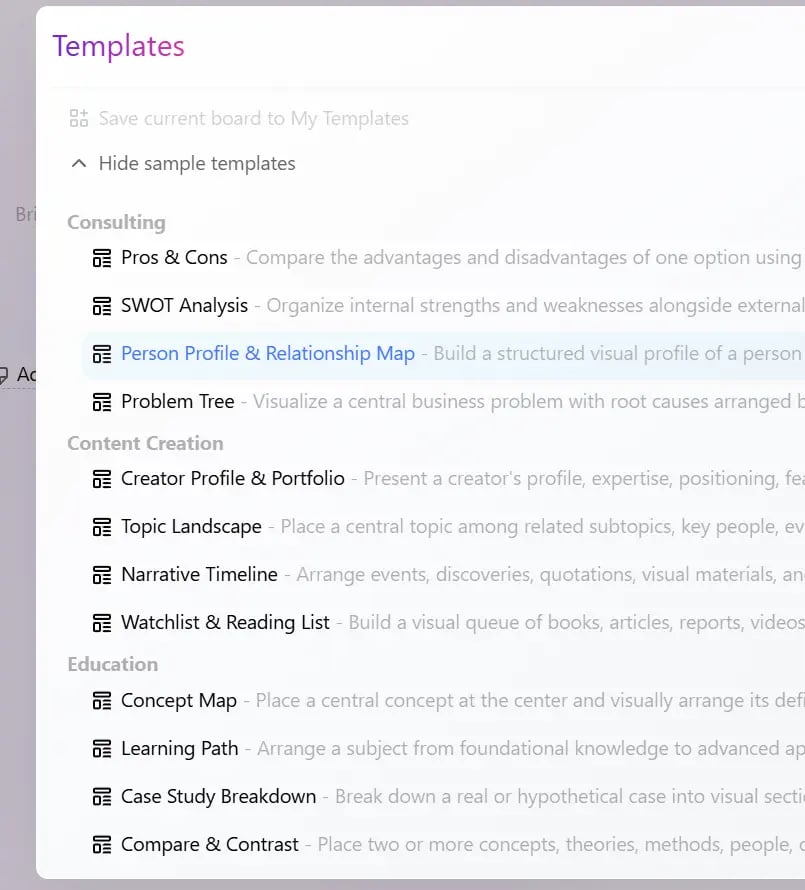
This feature was introduced in Bentowise V2. Templates are reusable collections of Blocks. They help you quickly set up a familiar Board structure without starting from scratch every time.
Snipaste 2026 08 14 13 17 33
mage

Built-in Templates

Bentowise includes a set of built-in sample templates covering several common areas:
  • Consulting
  • Content Creation
  • Education
  • Investing
These templates are mainly intended to demonstrate different ways a Board can be structured and to provide inspiration for your own workflows.

Use a Template

You can choose and apply a template from the Templates button in the top bar. Snipaste 2026 08 14 13 17 59 When you apply a template, Bentowise adds its Blocks to the top of the current Board rather than replacing the entire Board. For this reason, if you want to start with a complete template structure, we recommend applying it to a blank Board. You can also apply a template to an existing Board, for example to add a new Section, analysis framework, or supporting structure.

Save Your Own Template

In addition to the built-in templates, you can save your current Board as your own Template.
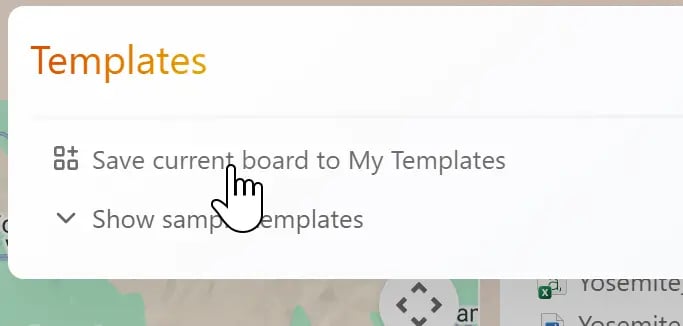
Snipaste 2026 08 14 13 18 51
If you find yourself repeatedly using the same Board structure—for example, a research workflow, client analysis framework, or content planning process—you can save it and reuse it the next time. We recommend gradually building a collection of Templates that fit the way you work. The built-in templates can provide a useful starting point, but the most valuable templates are usually the structures that have already proven useful in your own work.