
- backing up a single Board
- moving a Board between Vaults
- saving a Board as a standalone file
- sharing a Board with another Bentowise user
Export a Board
The exported JSON file contains the Board structure and content, including Sections, Blocks, layout, and related settings. You can later import that file into Bentowise to create a new Board.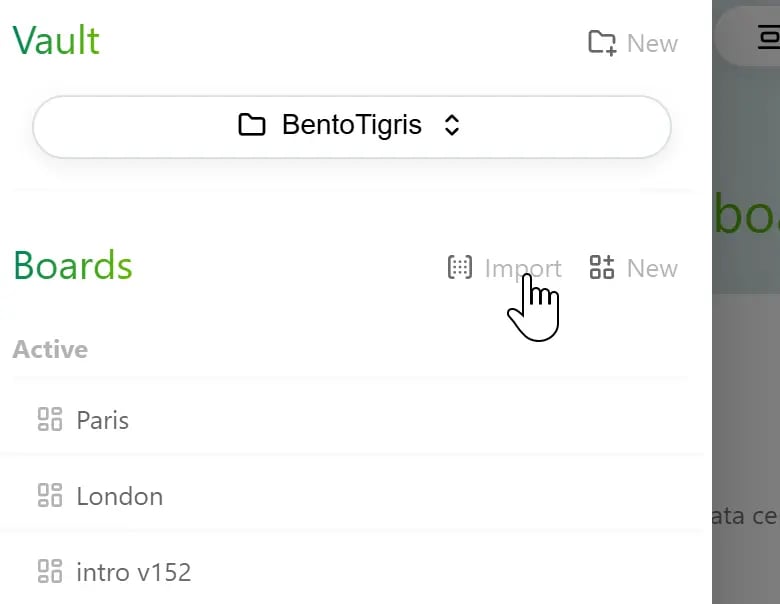
Local Files Are Not Included
If a Board contains images or file attachments stored inside the Vault, those actual files are not copied into the JSON file during export. They remain in the original Vault. If you import the JSON back into the same Vault, Bentowise may still be able to find those resources. But if you import the Board into a different Vault, images and attachments stored in the original Vault do not move with it, so those local resources may no longer be available. If you need to move all Boards together with their local images and attachments, copying the entire Vault is usually a better option than exporting individual Boards.External Links Stay External
Web links, online videos, online documents, and other external resources work differently. These Blocks mainly store references to external locations, so the links themselves remain in the Board after export and import. Whether they still work depends on the original resource:- whether the webpage still exists
- whether an online file is still available and accessible
- whether the external service is still running
- whether a shortcut to a local file still points to a valid location