
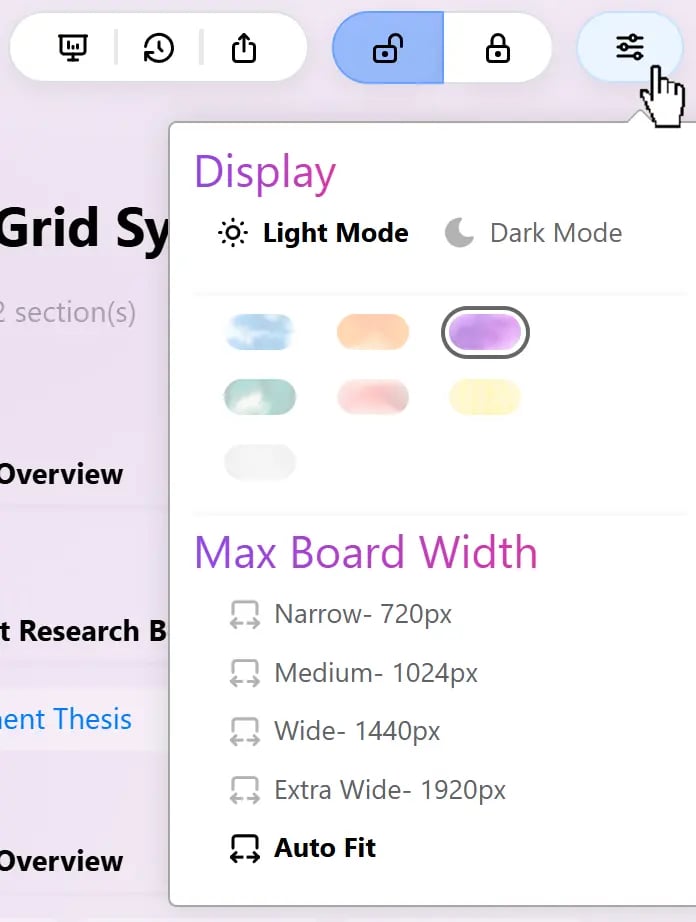
Display
Light & Dark Mode
Switch between Light Mode and Dark Mode to match your working environment and viewing preference. The selected mode changes the Board’s appearance without affecting its content or layout.Board Theme Colors
Choose a theme color to give your Board a different visual appearance.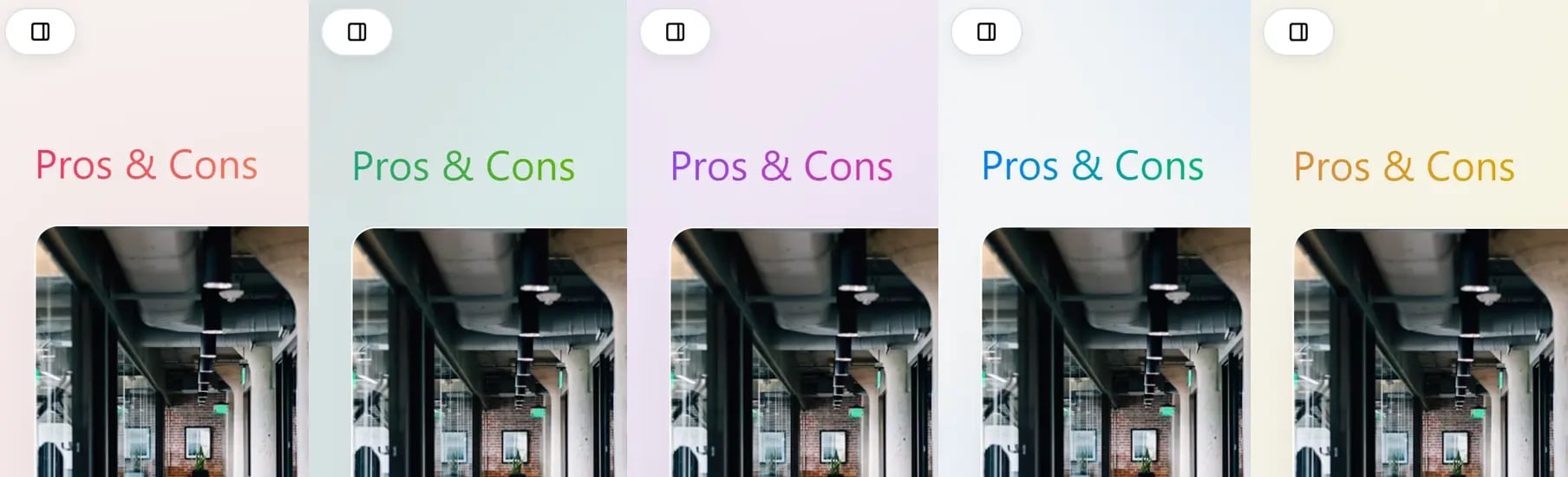
Maximum Board Width
Set the maximum width of your Board to control how much horizontal space it occupies. This is especially useful when working across different screen sizes or when you prefer a more compact layout.
Choose the width that best suits your screen and the amount of information you want to see at once. Auto Fit is useful when you frequently resize the window or switch between different displays.
View settings change how the Board is displayed. They do not remove or modify your Board content.