
This feature was introduced in Bentowise V2.2

Install the Bentowise Skill
The Bentowise Skill teaches your AI client how to find and work with Bentowise Boards.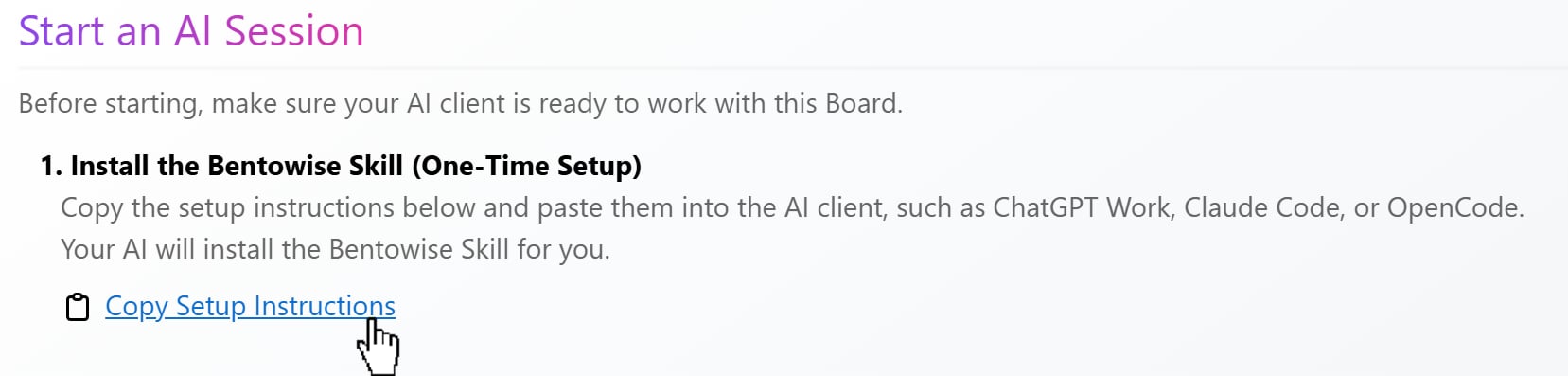
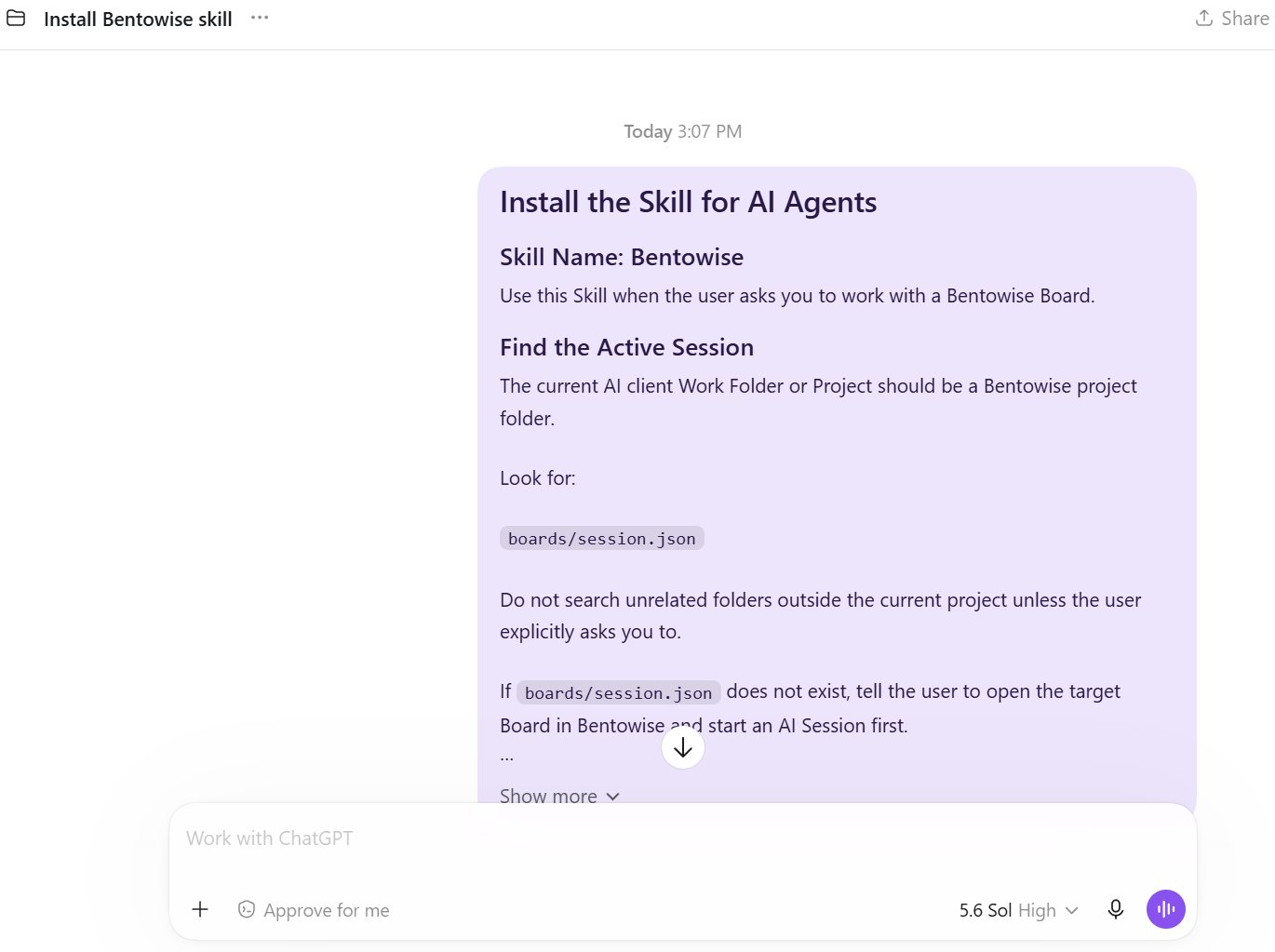
Set Your Work Folder
Open your Bentowise Vault folder as the Work Folder or Project in your AI client. The setup window displays the path to your current Vault. Use that folder, rather than an individual Board file, as the working directory.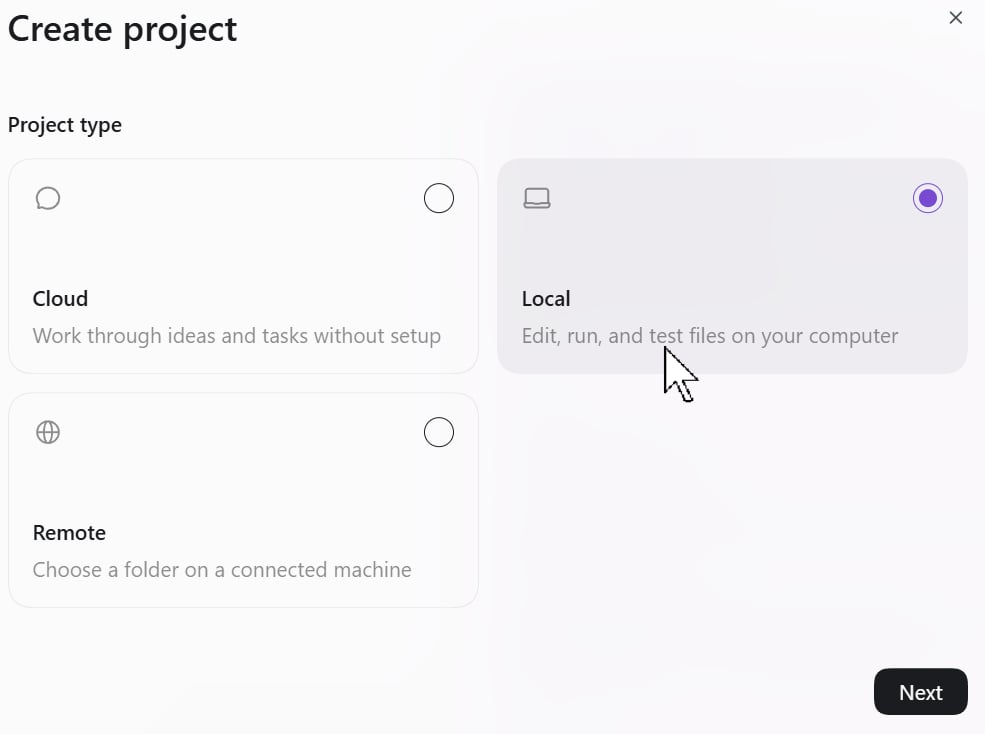
Use the Current Vault
Before continuing, make sure your AI client is working in the Vault shown in Bentowise. If you use multiple Vaults, check that you have selected the correct one. Once your AI client is ready, click Next. Bentowise will prepare the AI session, create a Restore Point, and temporarily lock the Board. The Board is now ready for your external AI client to work with.The initial setup is only required once. For future sessions, you can reuse your installed Skill and existing Work Folder or Project.