
Board Shortcuts
As your research grows, it is often better to use multiple focused Boards rather than putting everything into one very large Board.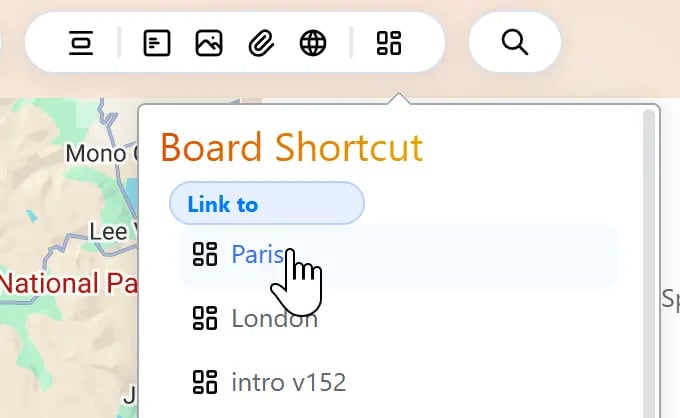
- A dedicated company research Board
- A detailed financial analysis Board
- A timeline Board
- A Board focused on source material
Deep Links
The previous options mostly help you connect from Bentowise to other resources. A Deep Link works in the opposite direction: it lets other apps link back into Bentowise.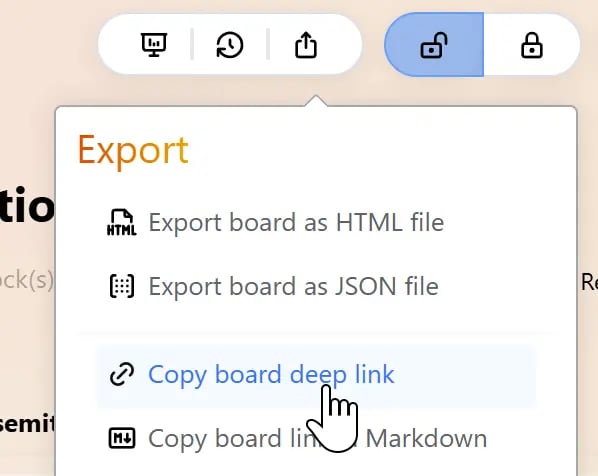
- Notes
- Documents
- Task managers
- Calendar events
- Project materials
- Chat messages
Choose the Right Connection
A simple way to distinguish them: Web Link / BookmarkSave an entry point to an online resource. Board Shortcut
Jump from one Bentowise Board to another. Deep Link
Open a specific Bentowise Board or Block from another app. They all follow the same principle: You do not need to copy everything into one place. You only need the right information to stay connected when you need it.